Train an AI Chatbot Fast: Data, RAG, Guardrails
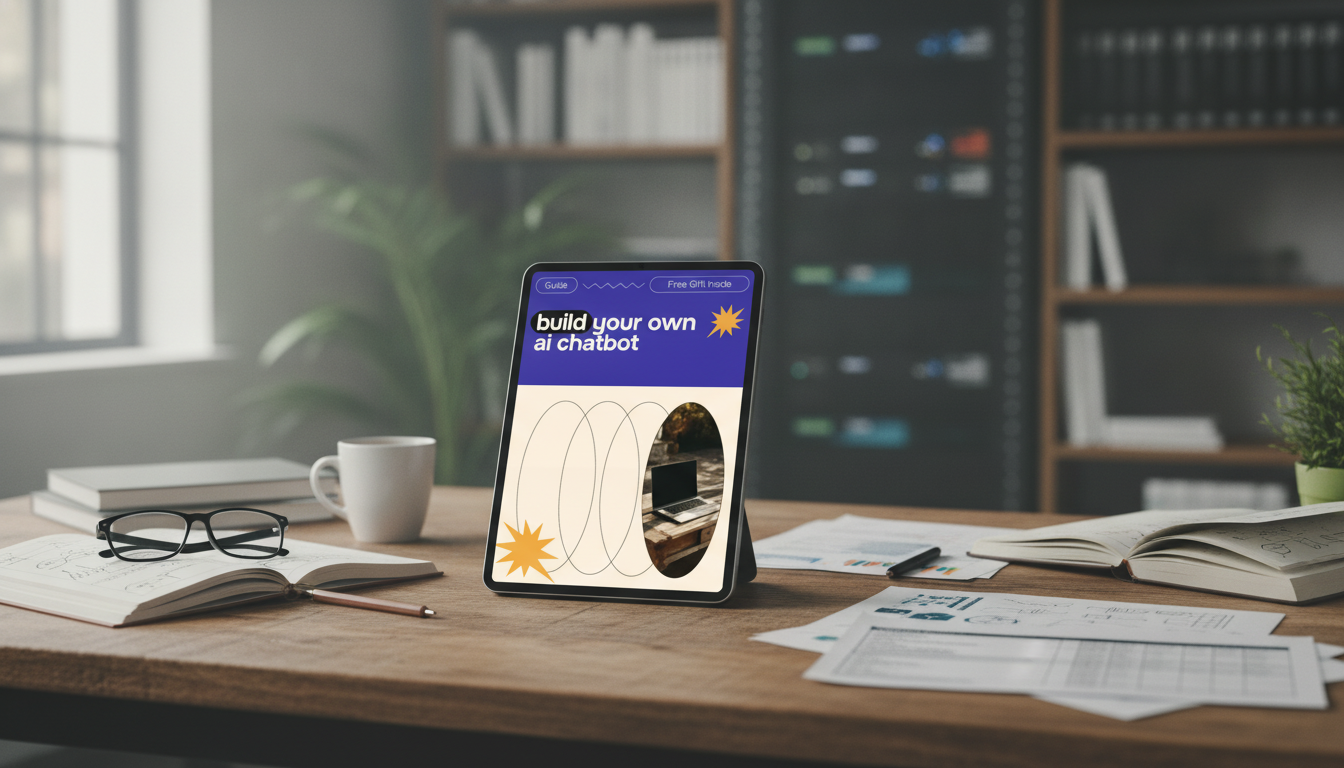
Build Your Own AI Chatbot: A Practical Guide to Training One Fast
Building a chatbot is no longer reserved for large teams. With the right workflow, a small business, creator, or support team can train a helpful AI assistant that answers questions consistently, stays on-brand, and improves over time. This guide breaks the process into clear steps—from defining the job to preparing training data, testing, and safely launching.
Start With a Clear Job Description for the Bot
A fast chatbot build starts with clarity. Before tools or data, define exactly what the bot is responsible for—and what it should never attempt.
- Choose one primary use case: customer support, product Q&A, onboarding, lead qualification, or internal knowledge help.
- Define success metrics: resolution rate, helpfulness score, time saved, fewer tickets, or higher conversion on key pages.
- Write boundaries: what the bot must refuse, when to escalate to a human, and what topics are out of scope.
- Decide the tone: concise vs. friendly, formal vs. casual, and any words/phrases to avoid.
One practical approach: write a “mission statement” in one paragraph, then list 10 “allowed” topics and 10 “not allowed” topics. That single page becomes the reference point for training examples, testing, and future updates.
Pick a Build Approach: No‑Code, Low‑Code, or Custom
The right approach depends on how quickly you need to launch, how sensitive your data is, and how much control you need over behavior and integrations.
- No‑code: fastest for FAQs and support; typically provides a dashboard, content ingestion, and basic analytics.
- Low‑code: adds control over routing, tools, and integrations; good for teams that can edit configuration and light scripts.
- Custom: best for complex workflows and strict compliance needs; requires engineering and ongoing maintenance.
- Plan where the bot will live: website widget, help center, WhatsApp, Instagram, Slack/Teams, or a standalone page.
Common options and when they fit
| Approach | Best for | Tradeoffs | Typical time to launch |
|---|---|---|---|
| No‑code platform | FAQ support, simple lead capture, quick pilots | Less control over logic and data handling | Hours to 2 days |
| Low‑code workflow | Customer support + integrations (CRM, ticketing) | Needs technical owner and testing discipline | 2–10 days |
| Custom build | Complex tool use, regulated data, unique UX | Highest cost and ongoing upkeep | 2–8+ weeks |
Create Your Knowledge Base: What the Bot Is Allowed to Use
Most “bad chatbot” behavior is really a knowledge problem: missing content, conflicting policies, or messy documents. Treat the knowledge base as the source of truth.
- Inventory sources: product pages, policy docs, manuals, FAQs, pricing sheets, onboarding emails, and internal SOPs.
- Remove outdated or conflicting information before training; contradictions lead to unreliable answers.
- Convert content into clean, readable text with headings and short sections; avoid scanned PDFs when possible.
- Tag sensitive content and decide what should never be surfaced (personal data, internal-only pricing rules, private notes).
If two pages disagree (for example, return windows or shipping times), fix the content first. Otherwise the bot will confidently repeat whichever version it retrieves—and customers will notice.
Training Data That Works: Examples Beat Vague Instructions
Great training data looks like real conversations. Instead of writing abstract rules, show the bot what “good” looks like across common and messy scenarios.
- Draft 30–100 realistic questions customers actually ask, including short, misspelled, and multi-part queries.
- Write ideal answers that are accurate, brief, and actionable; include steps, links (outside the chat if needed), and escalation rules.
- Add negative examples: questions the bot should refuse (medical/legal/financial advice, unsafe requests) and show the refusal style.
- Add formatting patterns: bullet lists for steps, tables for comparisons, and short summaries first for mobile users.
Choose the Training Method: Fine‑Tuning vs. Retrieval
Quick decision guide
| Need | Better choice | Why |
|---|---|---|
| Accurate answers from changing docs | Retrieval (RAG) | Content updates don’t require retraining |
| Strict brand voice and consistent structure | Fine‑tuning or strong instructions | Improves style and consistency |
| Compliance and source traceability | Retrieval (RAG) with citations | Shows where answers come from |
| Both accuracy and tone | Hybrid | Separates facts from style control |
For safety planning and risk thinking, it’s worth skimming the NIST AI Risk Management Framework and the OWASP Top 10 for LLM Applications. For hands-on implementation patterns, the OpenAI Cookbook is a practical reference.
Guardrails: Make It Safe, Useful, and On‑Brand
Testing: Catch the Failures Before Customers Do
Launch and Improve: A Simple Feedback Loop
A Shortcut for Getting the Workflow Right
- Build Your Own AI Chatbot Guide – How to Train Your Own AI Chatbot Easily (digital guide for planning, data prep, testing, and launch workflow)
- AI-Powered Product Review Checklist | Digital Download for Sellers & Creators | AI for Writing Product Reviews Guide (useful for standardizing product-language, claims, and consistency across support and storefront content)
- Calm in the Moment Checklist (a simple reset tool for handling stressful support moments and keeping responses steady)
FAQ
How much training data is needed for a useful chatbot?
Starting with 30–100 well-written Q&A pairs is usually enough to cover core customer questions, especially when the bot can retrieve answers from a clean knowledge base. Expand based on real chat logs: add examples for new intents, confusing edge cases, and the exact phrasing customers use.
What’s the safest way to keep answers accurate when policies change?
Use retrieval (RAG) that pulls from authoritative policy pages and surfaces citations, then update those pages as the single source of truth. Keep policy docs under version control and review them on a regular cadence so outdated snippets don’t linger in the bot’s accessible content.
Should a chatbot be fine‑tuned or connected to documents?
Connecting to documents via retrieval is usually better for factual accuracy and fast updates, while fine-tuning is better for consistent tone and response structure. For most small teams, a hybrid works best: retrieval for facts and strong instructions (or light tuning) for voice, refusals, and formatting.















Leave a comment